USPS Smart Lockers for Package Recipients
Never worry about lost or stolen packages again!
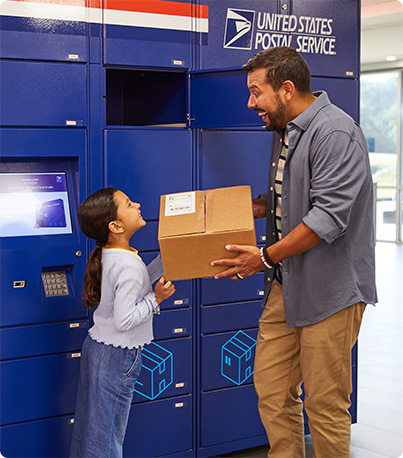
With USPS® Smart Lockers, you can have your valuable packages delivered directly to a secure Smart Locker location.
Find a Smart LockerWith USPS® Smart Lockers, you can have your valuable packages delivered directly to a secure Smart Locker location.
Find a Smart LockerDesigned with you in mind, USPS Smart Lockers provide an alternative free, secure, and convenient place to receive your packages when home delivery isn't practical or preferred.

Rest easy knowing your package was delivered to a secure USPS Smart Locker location.

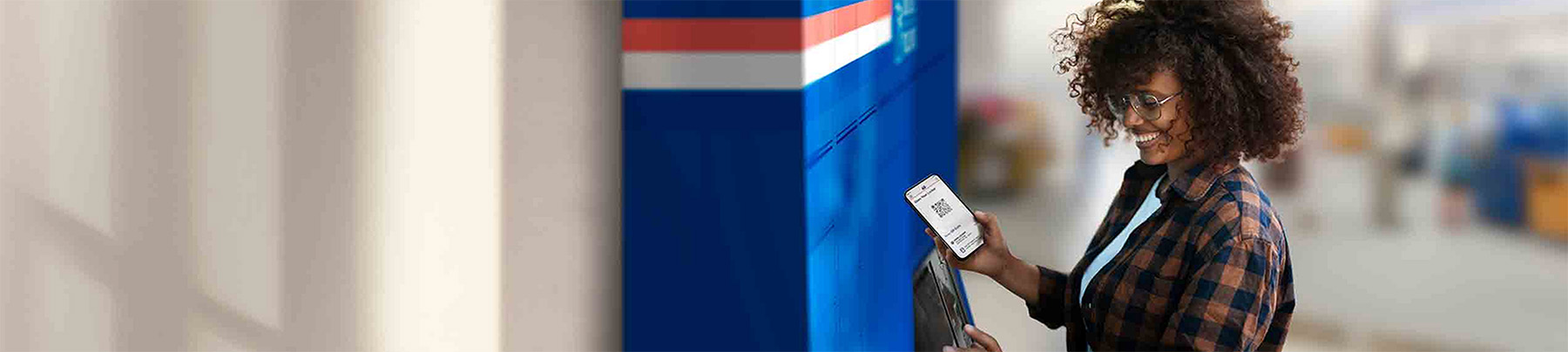
Skip the line at the Post Office and retrieve your package using a QR Code®1 sent to your email.

Retrieve your packages at a time that works for you—anytime, anywhere.
To receive packages at a secure and convenient USPS Smart Locker near you:
From Ecommerce Sites: If the store you're buying from ships using USPS and gives you the option to ship to USPS Smart Lockers:
From Individual Senders: Tell the sender to use USPS to ship the package to a USPS Smart Locker near you. Make sure they have your regular address and email address:
It's free to ship and receive packages using USPS Smart Lockers.
Senders must use USPS Ground Advantage®, Priority Mail Express®, Priority Mail® (and their corresponding Return services), or Media Mail®. (Commercial senders can also use Bound Printed Matter and Library Mail.)
US domestic packages only: No cards, letters, or anything that requires a customs form.
The sender must have the recipient's email address. (The package pickup notification and Pickup QR Code will be sent to that email).
Packages must fit in a USPS Smart Locker; the absolute maximum size that can be shipped to a Smart Locker is 22.5” x 18” x 16.5”, though some Smart Lockers have smaller size limits.
Replace in-person handoffs by using USPS Local XChange™ to make contactless, secure, and convenient local merchandise exchanges.