
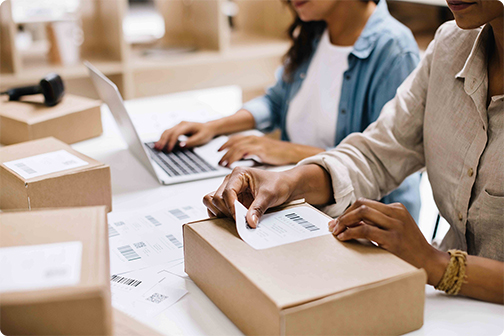
A businessperson using a laptop in a warehouse.

USPS Smart Lockers for Business

Unlock a new delivery method for you and your customers with USPS® Smart Lockers.

Find a Smart Locker

A Smart Alternative to Home Delivery

Offer your customers the free, secure, and convenient package delivery option of shipping to USPS Smart Lockers. By integrating with Smart Lockers, you can add an attractive delivery alternative while maintaining control over the customer experience.

Benefits to Your Business

Explore the benefits of integrating USPS Smart Lockers into your existing shipping strategies:
  • Lower Costs: Avoid costs associated with missing or stolen packages.
  • Reduce Failed Delivery Attempts: Reduce the number and costs of failed deliveries—instead, packages can be delivered direct to a Smart Locker.
  • Increase Customer Satisfaction: Enhance customer experience by offering Out-Of-Home (OOH) self-service pickup or drop-off options.
  • Build Brand Loyalty: Reduce customer anxiety over high-value or sensitive packages by ensuring they are delivered safely.
People printing out and placing labels on packages.
A person on a laptop researching the resources for Smart Lockers.

Resources to Get Started with USPS Smart Lockers

Enable USPS Smart Lockers as a shipping option for your customers' packages with tools designed to work with your existing ecommerce and shipping practices:
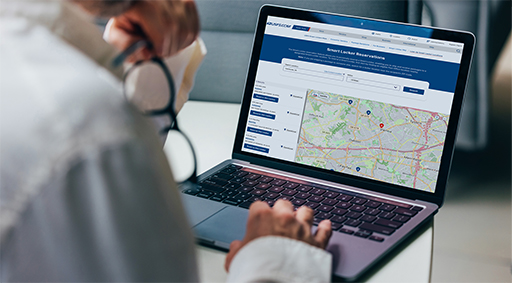
A laptop with the Smart Locker reservation app open on it.

How to Find a Locker

Business Shippers: You have several ways to integrate USPS Smart Lockers into your ecommerce customer experience:

  • USPS Smart Locker Locations API – Retrieve and store information for all operational smart lockers that match the optional filters.
  • Locker Location CSV File – Downloadable CSV file of all active Smart Locker locations.
  • Last Refresh Date: 10/20/2026
  • Note: ZIP Codes™ have leading zeros and should be formatted as text.

How to Create Shipping Labels and Manifest Packages

  • If your business does not use an ecommerce platform that integrates with USPS Smart Lockers, you can use Click-N-Ship® service to print custom shipping labels for packages destined to Smart Lockers.
  • If your business does use USPS Ship APIs or a third-party ecommerce platform that integrates with USPS Smart Lockers, you must make sure you specify a valid recipient email address for every package you ship directly to a Smart Locker. Without the recipient's email address, USPS can't send a pickup notification and the recipient won't be able to get their package.

How to Get Information About Packages Shipped to a Smart Locker

USPS Smart Lockers offer new tracking events that help shippers better understand how recipients interact with their packages.

Receive Tracking Updates for Your Customer's Package
  • Package on Its Way to Locker
  • Package Delivered to Locker–Available for Pickup
  • Package Retrieved from Locker
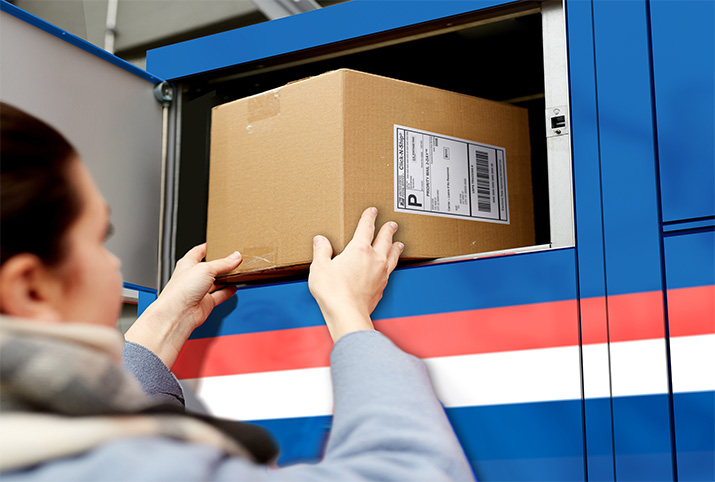
A person reaching out to a package in a Smart Locker.