


Navigation
The Global Navigation
There are several versions of the Global Navigation used across USPS.com. Most applications use the default Global Navigation, while applications with payment functionality use the Global Navigation with Cart. Other uses of Global Navigation require approval based on specific use case.
Desktop Header

Instance of the default USPS.com header on desktop.

Instance of the default USPS.com desktop header with Store and/or any app with payment function.

Instance of the default USPS.com desktop header with Store and/or any app with payment function with Global Alert bar; the alert bar can be used with either version above.
Mobile Header

Instance of the default USPS.com header on mobile

Instance of the default USPS.com mobile header with Store and/or any app with payment function
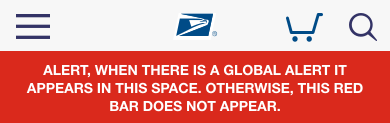
Instance of the default USPS.com mobile header with Store and/or any app with payment function with Global Alert bar; the alert bar can be used with either version above
The Primary Navigation
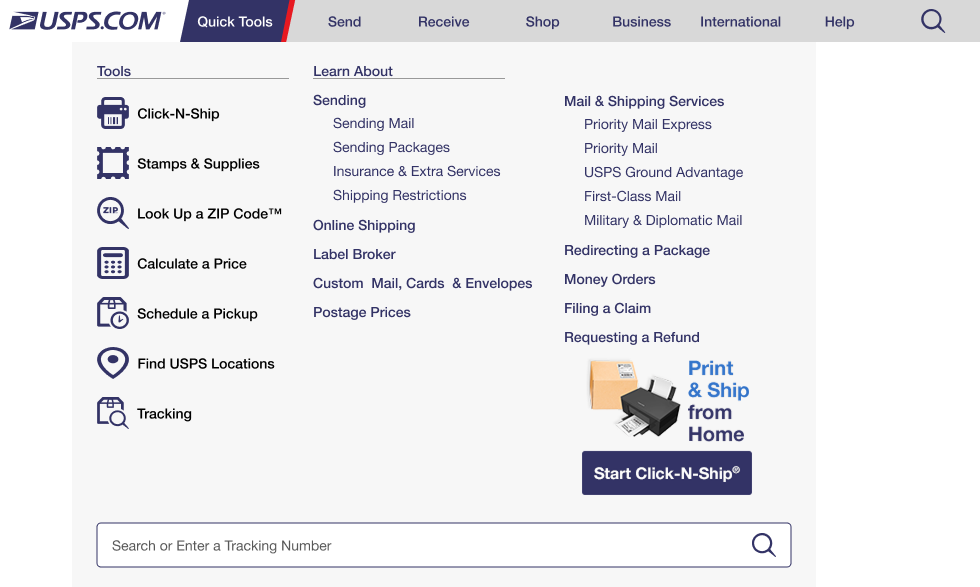
The Primary Navigation provides one-click access to all primary- and secondary-level USPS.com content, plus most lower-level content as well as digital tools and applications. Each primary navigation category has a drop-down menu with access to related content and functionality.
Desktop

Megamenu promos are used on desktop only (not displayed on mobile) and are curated by the USPS Digital Brand Marketing team.
Mobile
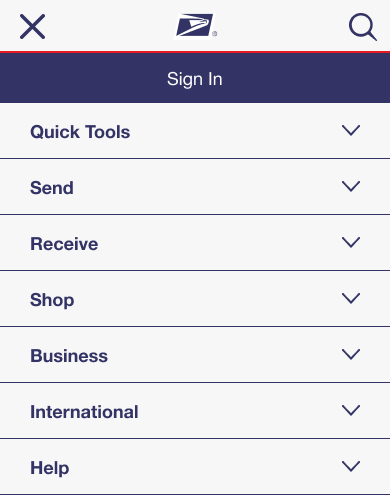
Instance of mobile primary navigation using the megamenu
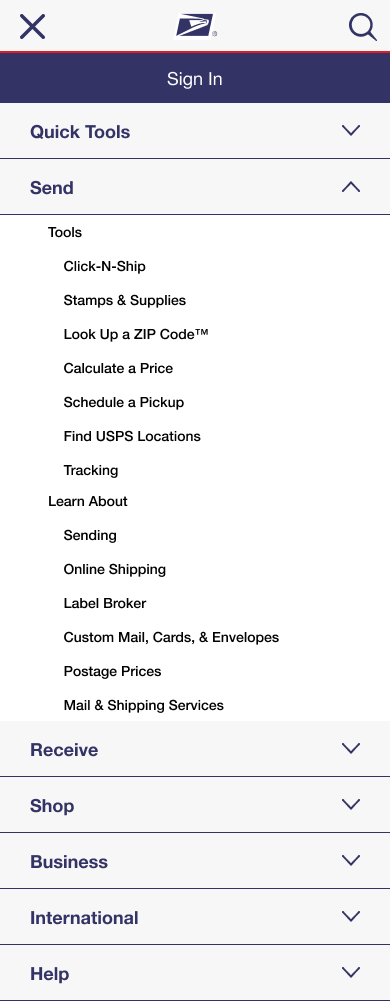
Instance of mobile primary navigation using the megamenu expanded
Footer Navigation
The USPS.com global footer also contains navigation links to other parts of the USPS digital ecosystem.
Desktop Footer
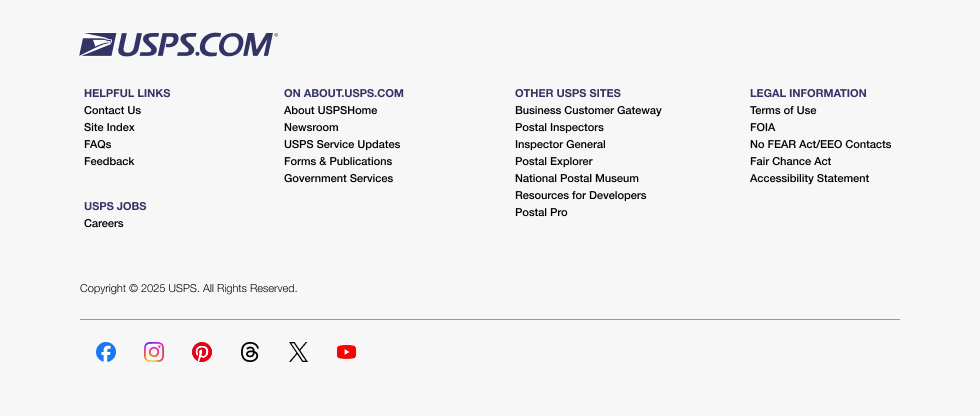
Instance of desktop footer
Mobile Footer
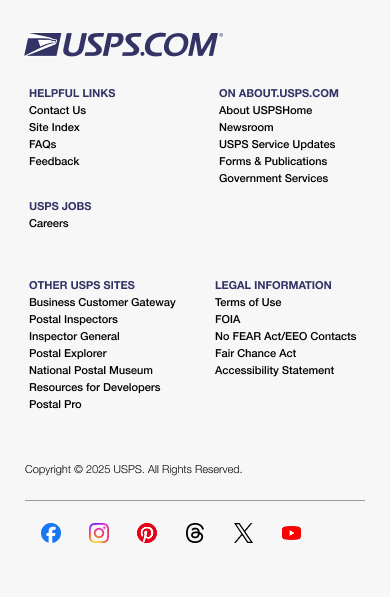
Instance of mobile footer
